

Appearance
Posting sale updates
Sale updates are short posts that appear on your public sale page — perfect for inspection-day notes, schedule reminders, or last-minute announcements. You'll find them on the Forward tab inside your sale.
Post an update
- Open your sale and select the Forward tab.
- Select + Add Forward.
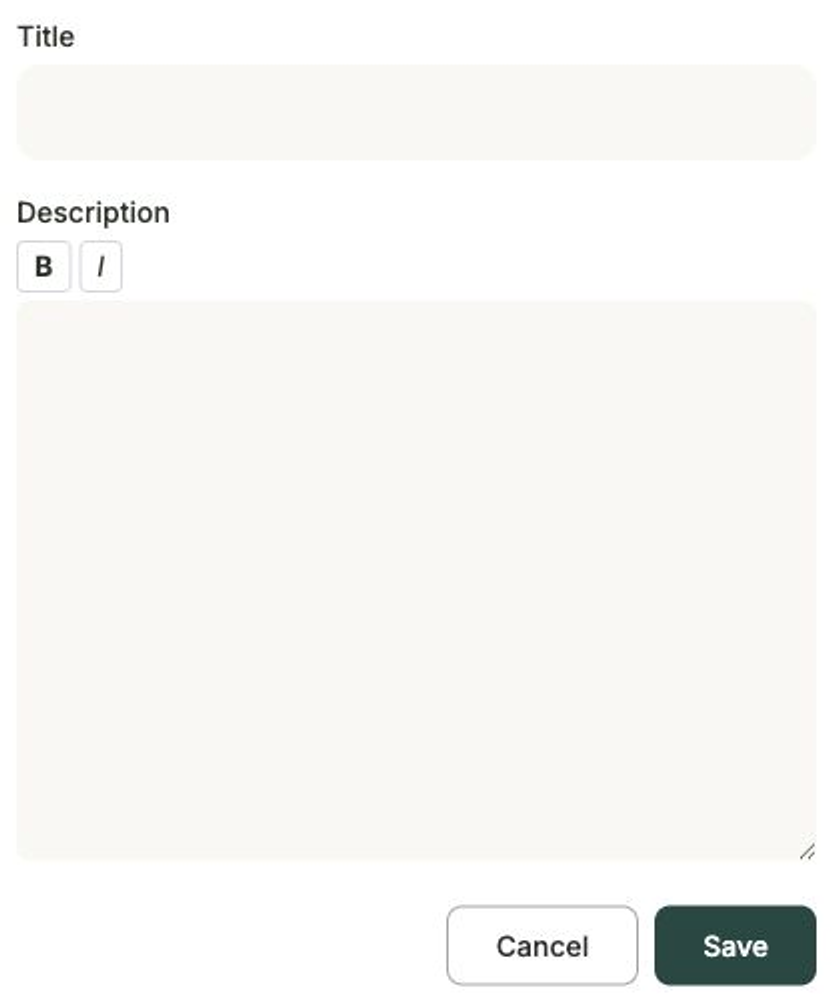
- Enter a Title for the update.
- Write your message in the Description — you can make text bold or italic to draw attention to the key points.
- Select Save to post it.
Your update now appears on the public sale page for buyers to read.
Good things to post
Use updates for inspection times and directions, changes to the running order, weather or logistics notes, or a friendly reminder as the sale day gets closer.