

Appearance
Settings
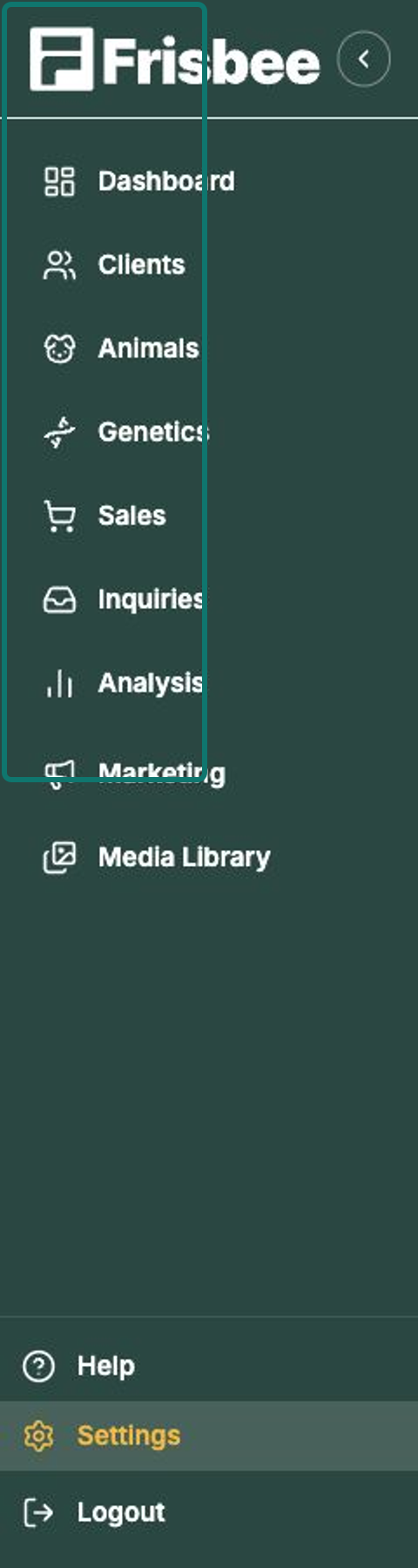
Settings is where you manage everything about your farm account — your farm details, the extra fields you track on animals, which EBV traits show up, your team, and your plan. Open Settings from the left-hand menu to expand the list.
In this section
- Farm profile — your farm's name, contact details, brand colour and logo.
- Custom fields — track extra data on your animals beyond the built-in fields.
- EBV display — choose which EBV traits and indexes are visible.
- API keys — let your website send inquiries straight into Frisbee.
- Managing your team — invite people and set what they can do.
- Usage & quotas — see your plan, what's included, and how much you've used.
Who can change what
Some settings are for farm admins only — Farm profile, Custom fields, EBV display and API keys all sit with your admins. Farm staff see a smaller set. If a page isn't showing for you, ask one of your farm admins to make the change or adjust your role — see Managing your team.
Set these up early
A few minutes in Settings pays off everywhere else. Adding your logo and brand colour makes your public sale pages and email campaigns look like you, and setting up custom fields before you import animals means your extra data has somewhere to land.