

Appearance
Clients
Your clients are the buyers behind your sales. Frisbee keeps every buyer's contact details, tags and complete purchase history in one place — so you can build stronger relationships and see exactly who's bought what over time.
Open Clients from the left-hand menu to see your client list.
In this section
- Adding a client — create a client by hand and seed their prior history.
- Importing & exporting clients — bring buyers in from a spreadsheet, or download your whole list.
- Organising clients with tags — group buyers so you can filter and target them.
- The client record — what's on a client's profile and how to read it.
What's on the Clients list
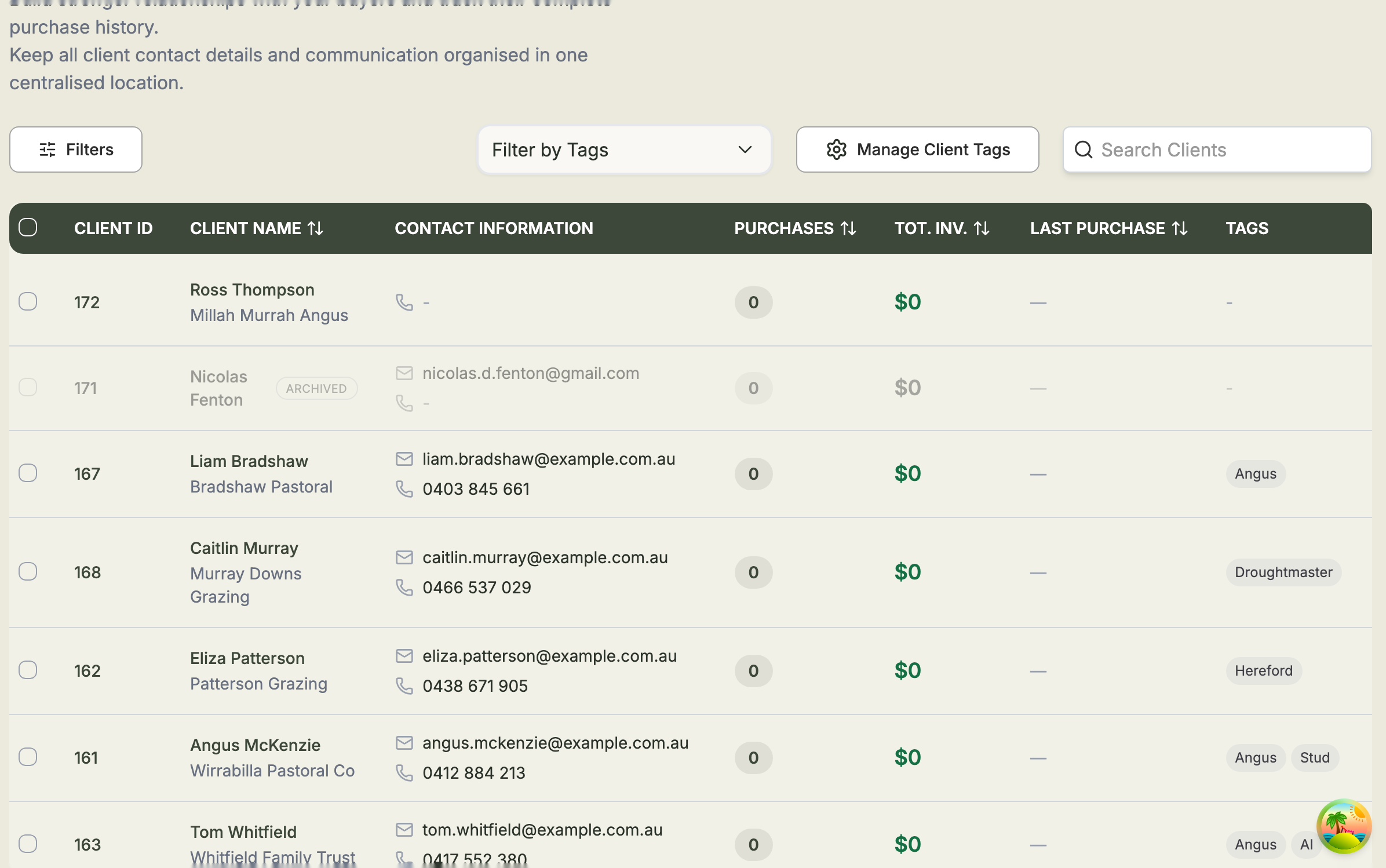
Each client appears as a row showing their Client ID, Client Name, Contact Information (company, email and phone), how many Purchases they've made, their Total Invested, their Last Purchase and any Tags. Select a client's name or ID to open their full record.
Above the list you'll find tools to Search Clients, apply Filters (by last purchase, total spend, number of animals, state, postcode or country), Filter by Tags, and Manage Client Tags. You can also Add New Client, Upload Clients from a spreadsheet, or export your whole list.
Clients fill themselves in
Whenever you record a buyer against a sold animal, that purchase is added to the client's history automatically — so their Total Invested and Purchases stay up to date without any extra work.