

Appearance
Genetics
Frisbee's Genetics section is where you manage your semen and embryo inventory — keep track of stock, set pricing, and record the breeding details behind each product.
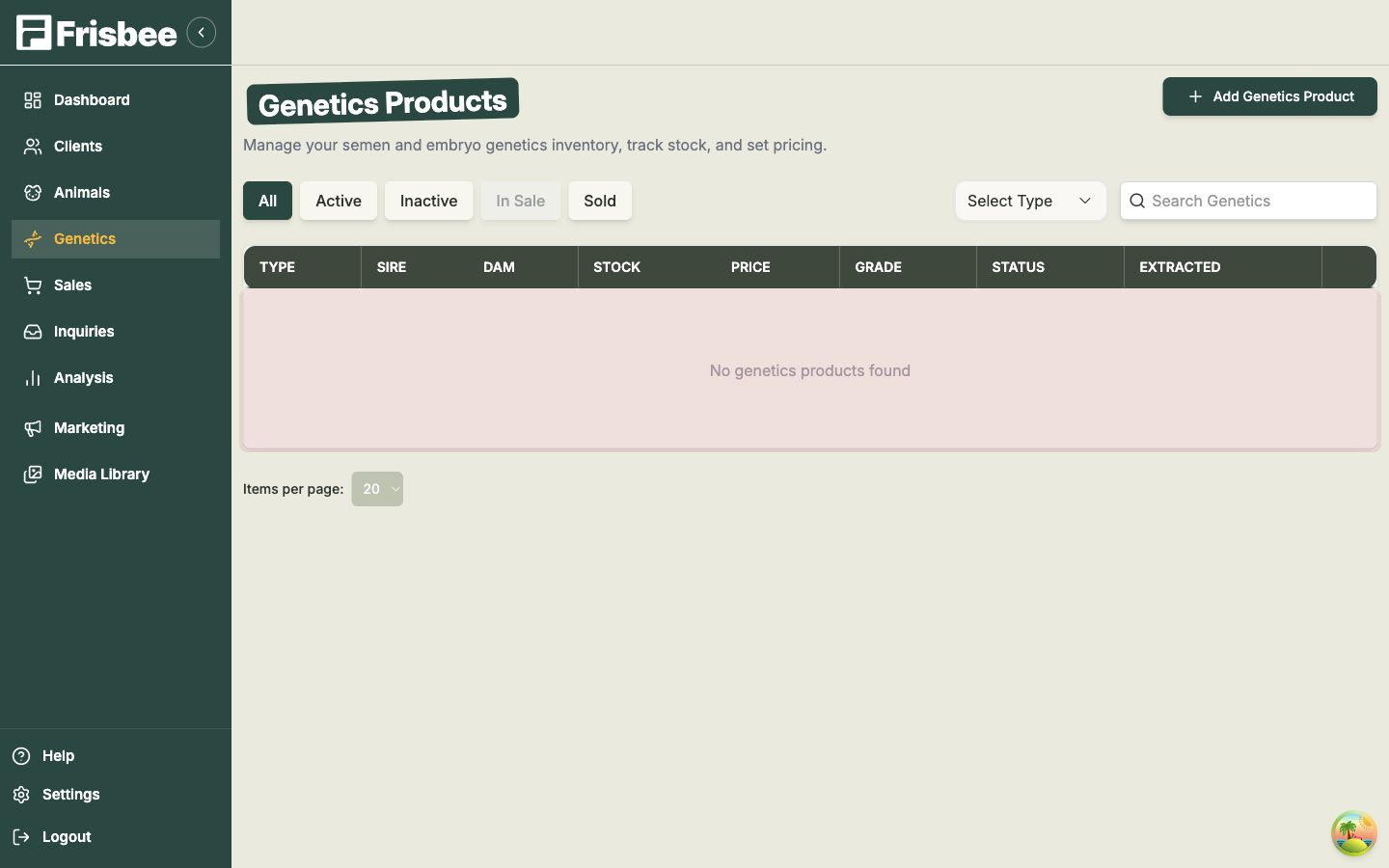
Open Genetics from the left-hand menu. The first time you visit, the list will be empty and you'll see No genetics products found. Once you add a product it appears here, ready to track and sell.
In this section
- Adding a genetics product — record a new semen or embryo product and its stock, pricing and breeding details.
What you'll see
The Genetics Products list gives you an overview of everything in your inventory:
- Status tabs — switch between All, Active, Inactive, In Sale and Sold to focus on the products you care about.
- Select Type filter — narrow the list to just Semen or just Embryo.
- Columns — at a glance you can see each product's Type, Sire, Dam, Stock, Price, Grade, Status and Extracted date.
Just like animals, a genetics product can be marked In Sale or Sold, so its status stays in step with the rest of your operation.
How genetics links to your animals
Every genetics product is tied to the animals behind it. Semen records a sire, and embryos record both a sire and a dam — and each one links straight back to that animal's record. You'll also find a Genetic Products tab on an animal's record, so you can see the products tied to that animal in one place.
Keep your animals up to date first
Because a genetics product points to a sire (and, for embryos, a dam), it helps to have those animals already in Frisbee before you add the product. See Adding an animal.