

Appearance
Getting started
Welcome to Frisbee — the platform for managing your livestock breeding operation. This section walks you through your very first steps, from creating an account to finding your way around the app.
In this section
- Logging in — sign in, or reset a forgotten password.
- Signing up & free trial — create your account, with or without a plan.
- Your first-time setup — the short wizard that gets your farm ready.
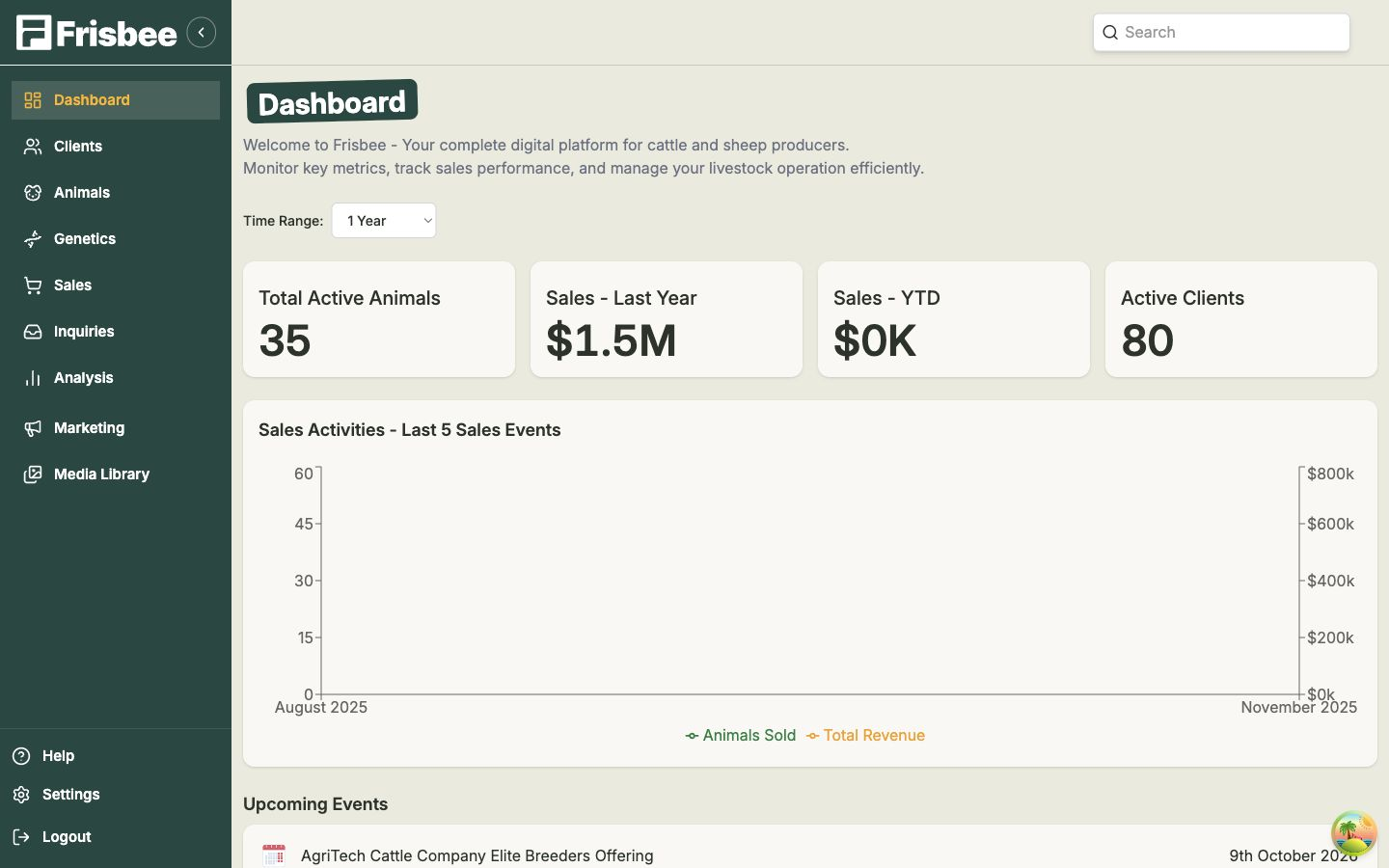
- Your dashboard — your home page, with the numbers that matter.
- Finding your way around — the menu, the guided tour, and demo mode.
What you can do with Frisbee
- Animals — keep a complete record for every animal, including breeding data and performance. See Animals.
- Clients — manage your buyers and their contact details. See Clients.
- Sales — run sale events and share public sale pages with buyers. See Sales.
- Marketing — reach buyers with email campaigns. See Marketing.
- Analysis — understand your herd and your sales performance. See Analysis.
A good first day
- Sign up or log in to your account.
- Complete your first-time setup — add your farm details.
- Add your first animals — see Adding an animal.
- When you're ready to sell, set up your first sale — see Creating a sale event.
Need a hand?
Can't find what you're looking for? Use the search box at the top of the page, or open Help in the bottom-left of the app and Take a Tour for a guided walkthrough.