

Appearance
Logging in
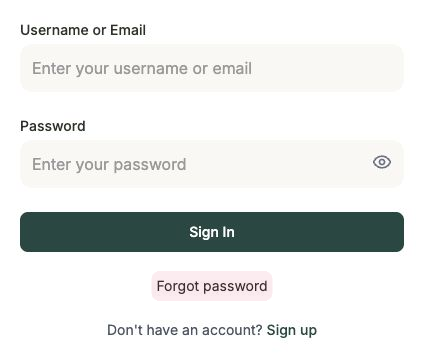
Head to the Frisbee login page to sign in to your account.
Steps
- Open the Frisbee login page.
- Enter your username or email and your password.
- If you'd like to check what you've typed, use the show/hide toggle on the password field.
- Select Sign In.
That's it — you'll land on your dashboard.
Forgot your password?
No problem — you can reset it in a couple of minutes.
- On the login page, select Forgot password.
- The card switches to Reset password. Enter your Email address.
- Select Send Reset Link.
- Check your inbox for an email with a link to set a new password, then follow it to choose a fresh password.
- Once you're done, head Back to login and sign in as usual.
Don't have an account yet?
Select Sign up from the login page to create one. See Signing up & free trial.