

Appearance
Adding a client
You can add a client by hand, or import many at once from a spreadsheet — see Importing & exporting clients.
Open Clients from the left-hand menu.
Steps
- Select Add New Client.
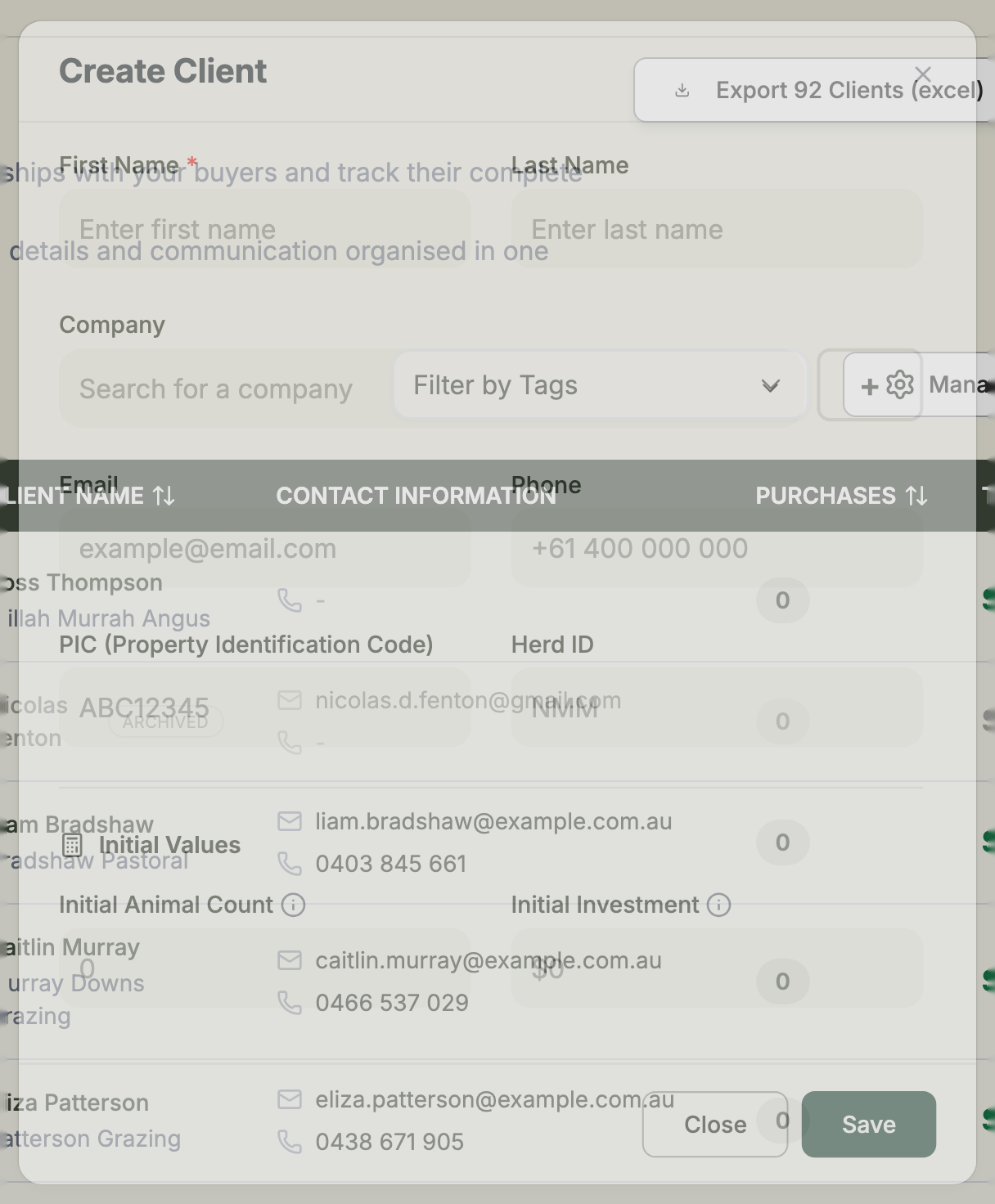
- Enter the client's details. Only First Name is required — everything else is optional, so you can start with the basics and fill in the rest later.
- Add their contact details if you have them: Email and Phone.
- Choose a Company from the dropdown, or select + to add a new one.
- Add livestock identifiers where relevant — a PIC (Property Identification Code, 8 characters) and a Herd ID.
- Fill in the Address Information — country, property name, address, town, state, postal code and website.
- Select Save.
Recording past history
If a client has bought from you before you started using Frisbee, you can seed their history under Initial Values:
- Initial Animal Count — how many animals they've bought in the past.
- Initial Investment — how much they've spent in total.
These numbers feed straight into the client's Investment Summary, so their lifetime value looks right from day one.
Tags can wait
You don't need to tag a client when you create them. You can add tags any time from their record — see Organising clients with tags.