

Appearance
Sending from your own email domain
By default your campaigns are sent from an address Frisbee sets up for you. On the Premium plan you can send them from your farm's own domain instead — for example sales@yourfarm.com.au. Emails from a verified domain look more familiar to your buyers and are less likely to land in spam.
You'll need access to your domain's DNS settings — usually through the company you bought the domain from, or whoever looks after your website.
Steps
- Open Marketing and select Custom Domain.
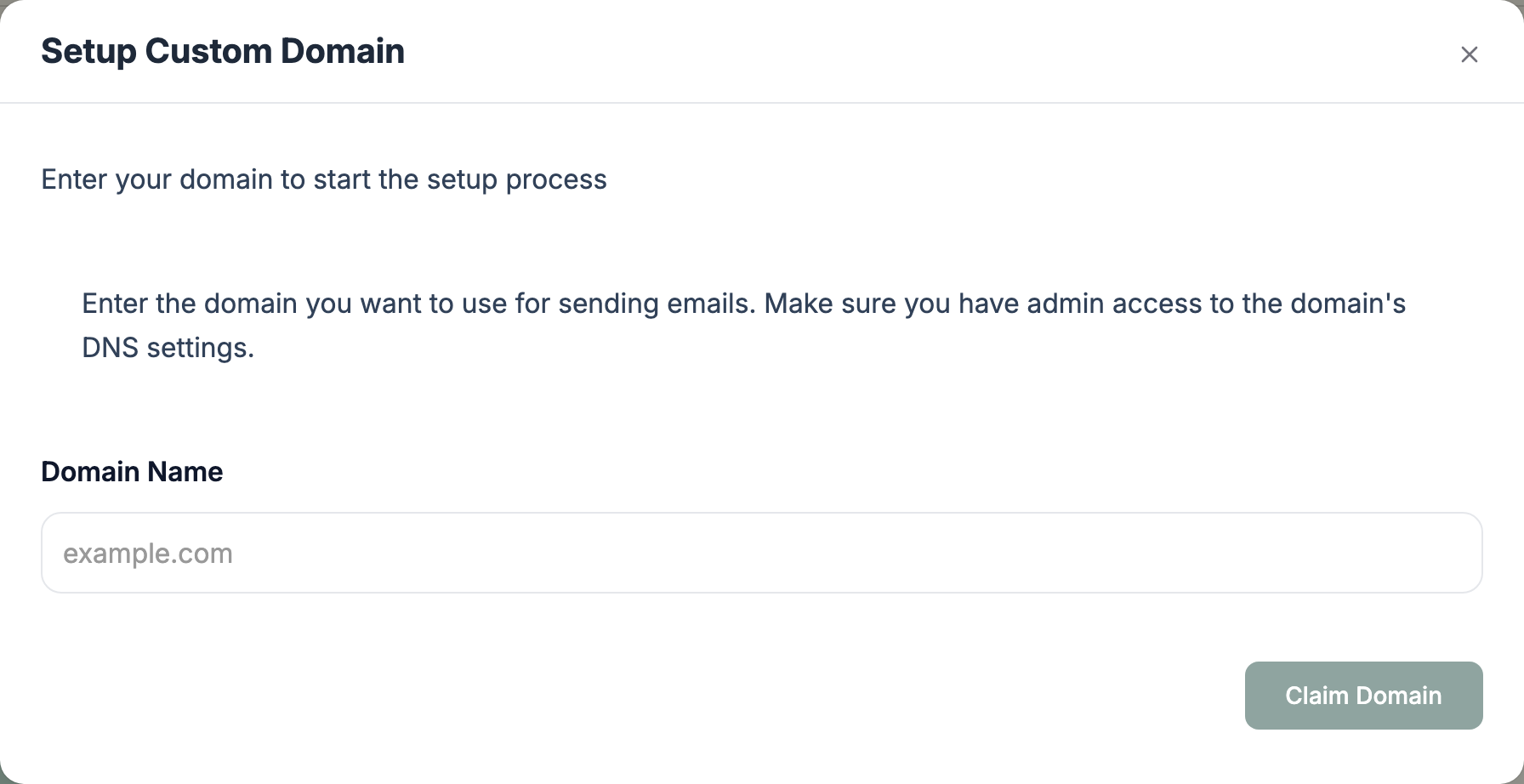
- Enter your Domain Name (for example
yourfarm.com.au) and select Claim Domain. - Frisbee shows a list of DNS Records. Add each one at your domain registrar — use the copy buttons to avoid typing mistakes.
- Back in Frisbee, select Verify DNS Records. DNS changes can take a while to spread; if some records aren't valid yet, wait and try again.
- Once you see Domain Verified, set the email address to send from — the part before the @, such as
sales. This address appears in the From field of your campaigns.
To change the sending address later or stop using your domain, open Custom Domain again — it shows your verified domain, and Remove custom domain switches you back to the default address.
Not on Premium?
On other plans the Custom Domain button offers an upgrade instead. See Choosing & changing your plan.